If your email is created correctly, which you can verify in the article Creating a new email account, you can proceed to managing the account itself.
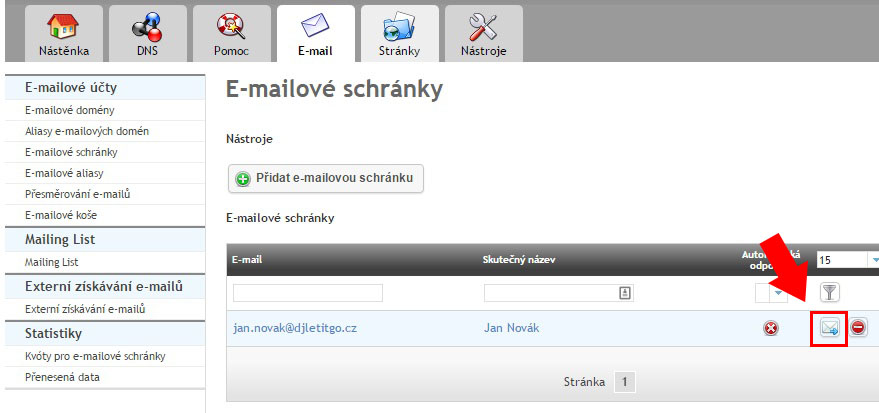
You can reach the mailbox by clicking the mail envelope icon in the Mailboxes section (see the screenshot below) or by entering the address https://webmail.spacehost.cz/ in your browser.
On the page that opens, log in with the full email address, in our case jan.novak@mujweb.cz, and the password you set.
After logging in, you will see the webmail interface, which lets you work with many tools and features such as
- multilingual interface (70 languages)
- moving messages between folders by drag & drop
- full support for HTML messages and attachments
- multiple sender identities and signatures
- contacts address book
- search
- mailbox management
Some mailbox properties cannot be configured through this interface (filters for incoming mail, automatic replies, password change, etc.). If you need any of these, temporarily use the IceWarp webmail interface, but we then recommend continuing to use RoundCube for everyday work with mail.