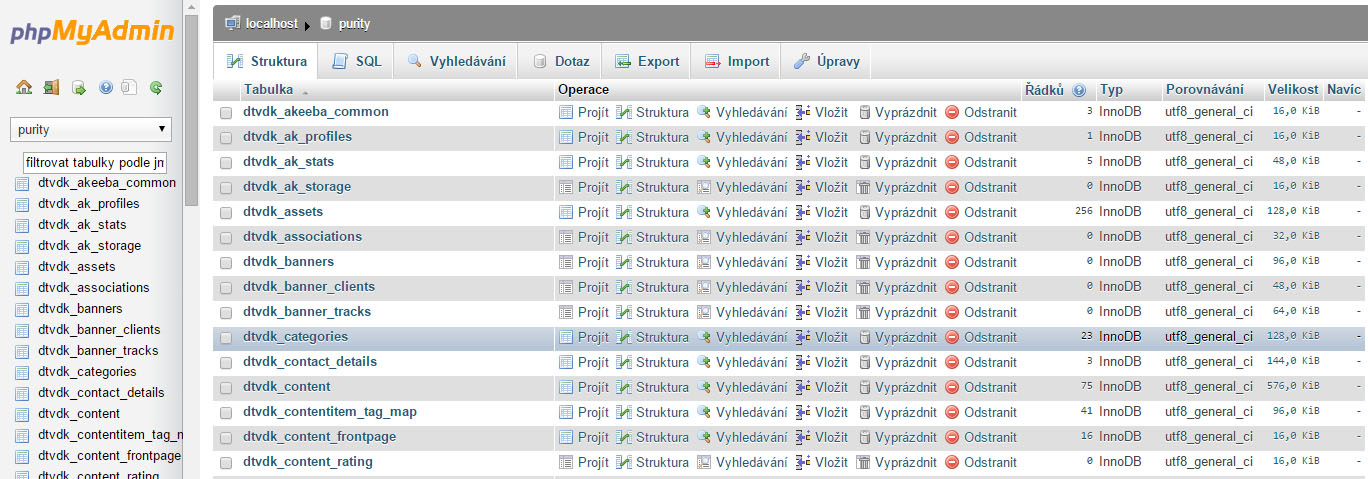
If you need to access a database for any reason and make changes in it, you must know a few basic details.
The details needed to access the database are:
- Database name
- Database username
- Database user password
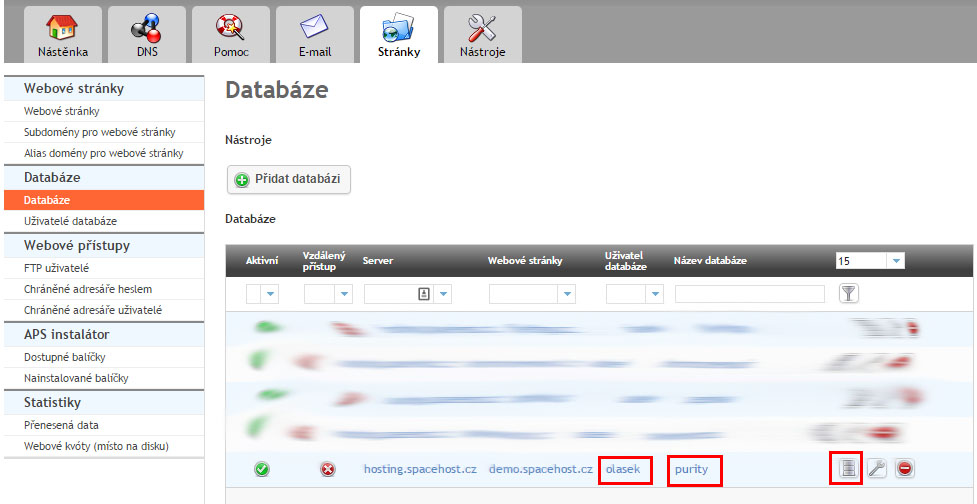
Now log in to the hosting admin panel and go to the Sites (Stránky) tab. Then click Databases (Databáze) in the left column.
In the following example you can see the important information, namely the Database name (purity), the Database user (olasek), and the Database password (you must know it). The last highlighted field takes you to the Database manager (Správce databáze) (phpMyAdmin), where you log in to the database itself.
After entering your login details, that is, the database user's name and password, you get to the database management itself, where you make the necessary changes.